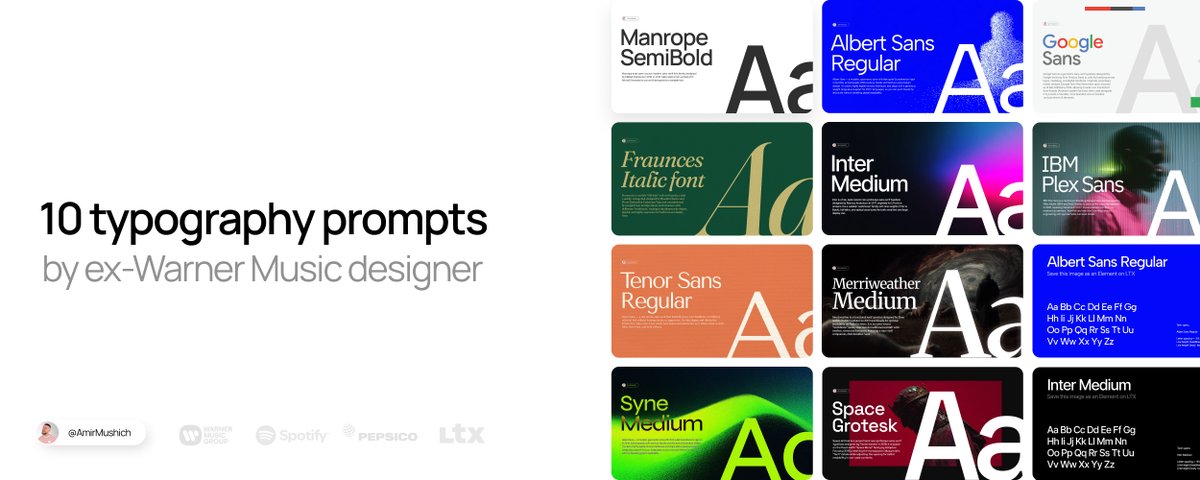
Bad font design ruin any brand in 0.3 seconds. Thats what I learned (and 1,000,000s of brand owners, too).
Wrong type selection + default settings = your brand looks like trash
*This article is sponsored by LTX Studio. Thanks to the LTX team for supporting this post and my work for you.
I spent 10+ years crafting design & typography for big & small clients:from mastodons like Warner Music, PepsiCo, Spotify to a local coffeeshops.
Fonts are magical items:
they can elevate a simple brand design to a word-class level and they can ruin even a pro-tier work if they look like sh*t.
Now I’m giving you the exact same premium look the top brands use:
without Figma, Photoshop, or years of practice.
3 TOOLS YOU NEED:
Google Nano Banana - for visual generation, LTX Elements - for font consisttency & workflow organization, 10 prompts below - to make your brand look good.
Change only [YOUR TEXT] → get pro-level type instantly.
Save this article. Use it forever.
WORKFLOW (how it works)
How this works in 4 steps:
Access Google Nano Banana model
(I use LTX -> GenSpace for convenience & organzation)
Select or upload your font as Element for consistency
(Grab my pre-made JPEG files saved in Elements - all the links below)
Copy my preset-prompts → replace only [INSERT YOUR TEXT]
Generate → enjoy your consistent font designs
Why LTX Elements make all the difference
I tested the same prompts on a “clean” Nano Banana model without Elements:
Download my Elements (as images) from this project
Upload them into your LTX Project as Your Elements
Copy my prompts from the LTX Project
Paste the prompt into your project → tag the uploaded Element with @[ELEMENT NAME]
Generate consistent typography → repeat with all the prompts 👇
2. FRAUNCES
Premium, “Old money” style
For: Branding and logos that want a classic serif voice with a warm, offbeat personality (e.g., heritage, food, or friendly fintech/“saucy” business vibes).
Why: Headlines, hero sections, and editorial layouts where expressive typography does the storytelling.